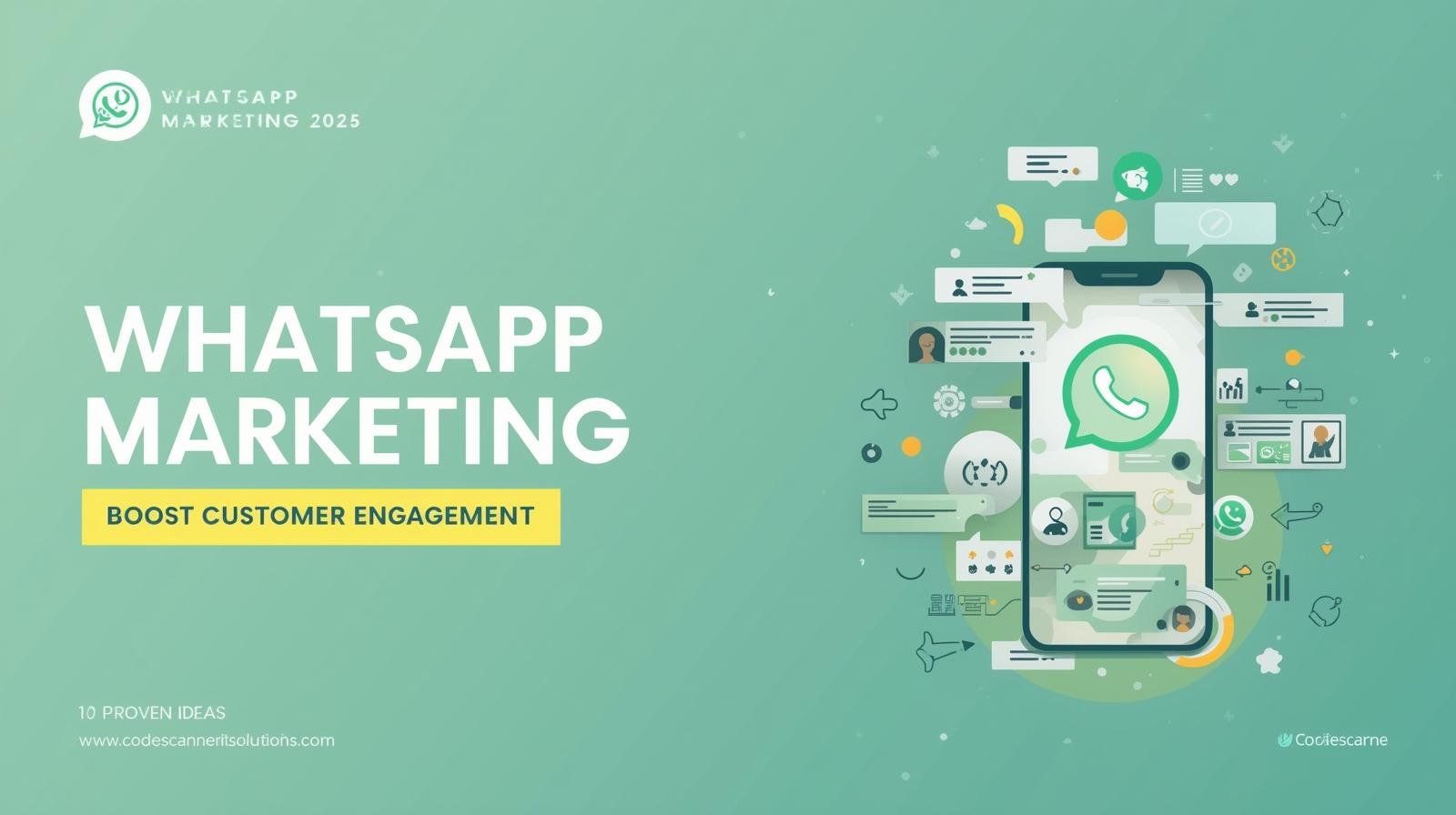
10 Proven WhatsApp Message Ideas to Boost Customer Engagement in 2025
Messaging matters. The right WhatsApp text, sent at the right time, can turn an interested person into a paying customer.
Here are 10 tested WhatsApp message ideas — complete with short templates — that Indian small businesses can use in 2025 to boost engagement, recover carts, and drive repeat sales.
Each example is simple, ready to use, and can be automated through WhatsApp Business tools for better reach and consistency.
How to Use These Messages
First, personalize the examples for your brand and always respect opt-ins. Moreover, avoid sending messages too frequently. In addition, use quick replies and automation where possible to scale your outreach without sounding robotic.
1. Welcome / Greeting Message
Use when: A user messages you for the first time or clicks a Click-to-WhatsApp ad. Therefore, this is your chance to make a great first impression.
Template: “Hi {{name}} 👋 — Thanks for reaching out to {{business}}! How can we help you today? Reply with 1 for Orders, 2 for Support, 3 for Catalog.”
2. Product Recommendation (Personalized)
Use when: You have the customer’s browsing or purchase history.
Template: “Hi {{name}}, we thought you’d like this: {{product_name}} ({{short_benefit}}). Reply ‘BUY {{code}}’ and we’ll reserve one for you.”
3. Cart Recovery Message
Use when: Someone added to cart but didn’t complete payment.
Template: “Hi {{name}} — Your items are waiting in the cart. Complete your purchase now and use code WHATS10 for 10% off. Pay via UPI/Pay link.”
4. Limited-Time Offer / Flash Sale
Use when: You want quick conversions.
Template: “Flash Sale! 20% off on {{category}} — Today only. Reply ‘YES20’ to claim and we’ll send a checkout link.”
5. Order Confirmation & Tracking
Use when: After purchase.
Template: “Thanks for your order, {{name}}! Order ID: {{order_id}}. Your item will be delivered by {{date}}. Track here: {{tracking_link}}”
6. Feedback & Review Request
Use when: A few days after delivery.
Template: “Hi {{name}}, hope you loved your {{product}}. Please rate us or reply with any feedback — it helps our small team.”
7. Re-Engagement / Winback Message
Use when: Customers haven’t purchased in 60–90 days.
Template: “We miss you, {{name}}! Here’s 15% off on your next order — code WELCOME15. Valid this week only.”
8. New Arrival Announcement
Use when: Launching new products or seasonal collections.
Template: “New collection live! Check our latest {{category}} — reply ‘SHOW’ and we’ll share the catalog.”
9. Appointment / Reservation Reminders
Use when: Service-based businesses (salons, clinics, consulting).
Template: “Reminder: Your appointment at {{business}} is scheduled on {{date}} at {{time}}. Reply ‘C’ to confirm or ‘R’ to reschedule.”
10. Referral & Loyalty Prompt
Use when: Rewarding loyal customers.
Template: “Refer a friend — both get ₹100 off! Reply ‘REFER’ to receive your referral link.”
Automation & Compliance Tips
- Always use opt-in mechanisms; do not message users who haven’t consented.
- Use short, localized messages (Hinglish works well for many Indian audiences).
- Leverage quick replies and buttons to reduce typing friction for customers.
- Personalize messages with the customer’s name and past purchases for higher conversion.
Internal Link: Full WhatsApp Marketing Strategy
Want to build an automated message funnel that converts? See our main guide — Why Every Small Business Needs a Website in 2025 — for end-to-end strategies and examples.
Boost Engagement with Code Scanner IT Solutions
Code Scanner IT Solutions helps you implement these message templates as automated flows using WhatsApp Business API tools. From personalization to compliance, we set up message flows that convert.
For the official app and latest updates, visit the WhatsApp Business official website.
Recent Posts



📂 Categories
- Artificial Intelligence (1)
- Digital Marketing (3)
- Mobile App Development (1)
- SEO (1)
- Social Media Marketing (3)
- Tech Industry News (1)
- Website Development (6)
- WhatsApp Marketing (6)
🏷️ Tags
AI Tools Automation Chatbots Click to WhatsApp Ads Content Strategy Customer Engagement Customer Support improve wordpress website speed Influencer Marketing Lead Generation Meta Ads Social Media Trends UI/UX website loading slow wordpress WhatsApp API WhatsApp Business WhatsApp Marketing WordPress wordpress performance optimization wordpress speed optimization
📢 Subscribe
Get the latest social media marketing insights directly in your inbox.